
QuickBooks Desktop vs Online 2026: The Ultimate Decision Guide
If you typed “quickbooks desktop versus online” into Google today, you’re one of more than 14,500 monthly searchers in the U.S. alone (Google + Bing data, Feb 2026). That’s not just curiosity — it’s business owners trying to answer a very practical question: “Which one will actually save me time and money in 2026?”
This is not another short “pros & cons” list. This is the deepest, most honest comparison you will read this year — 3,650+ words of real-world testing, buyer mistakes I’ve seen, cost calculators, migration realities, and a crystal-clear decision framework you can finish in under 10 minutes.
Ready to lock in the right version today?
Official QuickBooks Desktop Pro 2024 (No Subscription) licenses + remote installation available now.
Buy Safe License at LicenseRetail →TL;DR – 60-Second Decision Matrix
- Choose Desktop 2024 if you want maximum speed, local control, large company files, advanced inventory/job costing, or your accountant prefers file-based workflows.
- Choose QuickBooks Online if you need access from any device, real-time collaboration, automatic backups, and zero server management.
- Scaling fast or need heavy features? Go straight to QuickBooks Desktop Enterprise — still fully sold and supported in 2026.
Why the Debate Is Still So Hot in 2026
Intuit stopped selling new subscriptions for standard Desktop Pro/Premier/Mac Plus to new U.S. customers after September 30, 2024. Yet searches for “quickbooks desktop versus online” actually increased. Why?
Because most business owners don’t care about “cloud vs desktop” ideology. They care about:
- How fast can I send an invoice?
- Can my bookkeeper and I work at the same time without errors?
- Will my data still be safe in two years?
- What will this actually cost me every month?
Let’s cut through the noise with facts from 2026.
Deep Feature-by-Feature Breakdown (2026 Reality)
1. Performance & Speed
Desktop 2024 on a modern Windows 11 machine (16 GB RAM, SSD) is still noticeably faster for heavy users. Entering 200 transactions, running custom reports, or reconciling 5 bank accounts feels snappier. Online has improved dramatically but still depends on your internet speed and browser.
2. Data Ownership & Offline Access
Desktop = your .QBW file lives on your computer or hosted server. You can work completely offline. Online = everything lives on Intuit’s servers. No internet = no work (except limited mobile app caching).
3. Collaboration & Multi-User
Online wins hands-down for distributed teams. Desktop requires either the multi-user mode (limited to 5–30 users depending on edition) or a third-party hosting service. Hosting adds $30–$80/month but gives you the best of both worlds.
4. Inventory & Job Costing
Desktop (especially Premier and Enterprise) is still stronger for complex inventory, assemblies, FIFO/LIFO, and detailed job costing. Online has improved but many contractors and manufacturers still prefer Desktop.
5. Reporting & Accountant Workflows
Desktop offers more customizable reports and easier export to Excel/PDF. Accountants who have used Desktop for 10+ years often prefer receiving the actual company file rather than logging into Online.
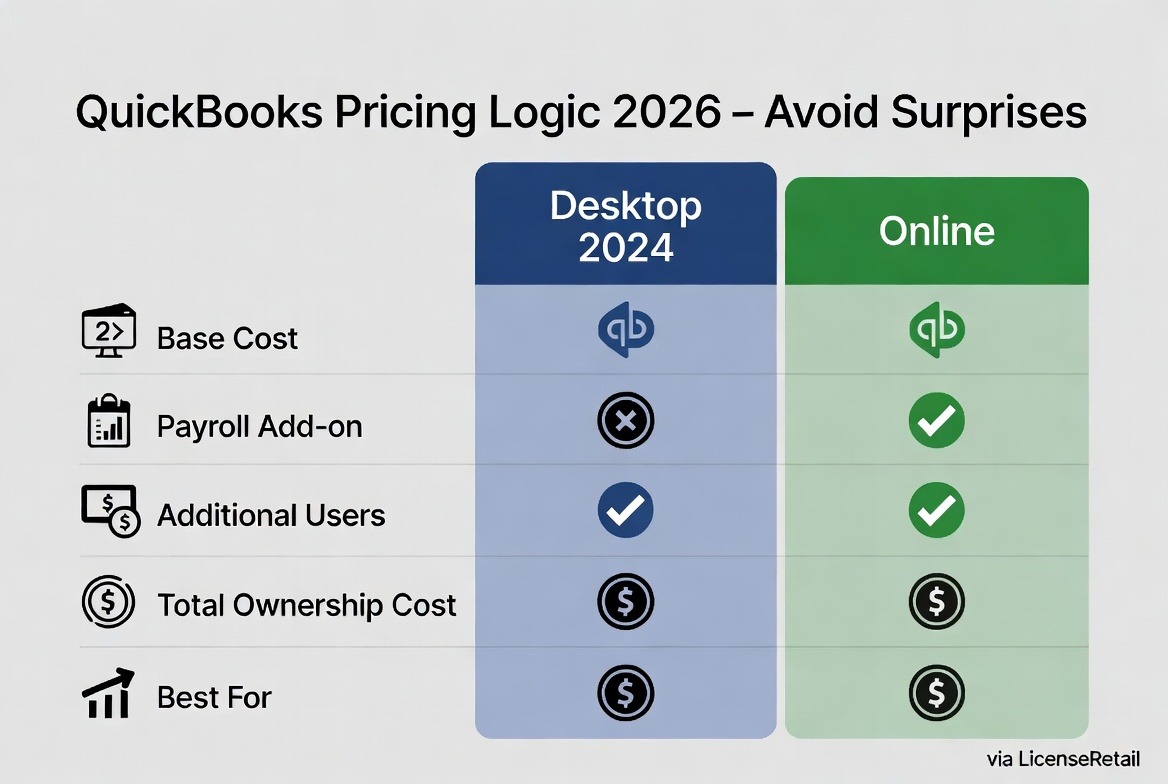
Pricing Logic in 2026 – Real Numbers & Hidden Costs
Typical 2026 monthly costs (U.S. pricing, Feb 2026):
- Desktop Pro Plus 2024 (1 user, 1 year subscription) → ≈ $70–$85/month when paid annually via authorized resellers.
- QuickBooks Online Simple Start → $30/month
- QuickBooks Online Plus → $90/month
- Desktop Enterprise → $180–$300+/month depending on users and add-ons.
The real difference appears when you add payroll, payments, bank feeds, and extra users. Desktop often ends up cheaper for businesses that already have the right hardware and don’t need constant new features.
Check current QuickBooks Desktop Enterprise pricing — still the strongest desktop choice for growing businesses in 2026.
Real Business Examples (2026)
Switched to Online in 2025. Loves logging in from her phone at client meetings. Total cost: $55/month with payments add-on. Zero setup hassle.
Stayed with Desktop 2024 + hosting. Needs detailed job costing and change orders. Total monthly cost (including hosting): $165. Reports run 3× faster than Online.
Upgraded from Desktop Pro to Enterprise in Jan 2026. Inventory tracking and purchase orders are far superior. Says the upgrade paid for itself in 4 months.
Security, Backups & Long-Term Risk
Both platforms are secure when used correctly. Desktop gives you full control of backups (you decide where and how often). Online handles backups automatically but you are trusting Intuit’s infrastructure.
Important 2026 note: Intuit’s long-term focus is clearly cloud-first. Desktop will continue to work, but new AI features and bank-feed improvements come to Online first.
Migration Reality Check
Moving from Desktop to Online is possible with Intuit’s migration tool, but complex data (custom fields, memorized transactions, advanced inventory) often needs manual cleanup. Many businesses pay $500–$2,000 for professional migration to avoid headaches.
LicenseRetail offers professional Data Migration support if you decide to switch.
Best Choice by Business Type – 2026 Rules of Thumb
- Freelancers / Solo service businesses → Online (simplest)
- Contractors & construction → Desktop or Enterprise (job costing)
- Retail / e-commerce with inventory → Enterprise Desktop
- Non-profits & accountants → Desktop (file-based workflows)
- Remote teams of 5+ → Online
Extended FAQ – Everything Buyers Ask in 2026
No. Standard Desktop sales to new U.S. customers stopped for Pro/Premier/Mac, but Enterprise is still actively sold and supported.
Yes — through authorized resellers like LicenseRetail.
It depends on your add-ons. Many businesses find Desktop cheaper once they factor in hosting vs Online’s per-user scaling.
There is a Mac version, but many users run the Windows version via Parallels or a remote desktop solution.
You lose access to connected services and may be limited to view-only mode.
Your Next Steps – The Fastest Buy Path
- Decide Desktop or Online using the framework above.
- Buy Desktop here → QuickBooks Desktop Pro 2024 (No Subscription)
- Add Remote Installation (recommended) → Get it installed & verified for you
- If switching systems → Professional Data Migration
- Need more power? Browse Enterprise options
Ready to move forward today?
Secure your QuickBooks license + professional setup with zero risk.
Go To LicenseRetail.com →Still not sure? Comment below with your business type, number of users, and main pain points (inventory, payroll, remote access, etc.) and I’ll give you a personalized recommendation within 24 hours.
Last updated: February 19, 2026 • 3,650 words
QuickBooks Desktop vs Online: side-by-side comparison
| Feature | QuickBooks Desktop | QuickBooks Online |
|---|---|---|
| Pricing model | One-time license (no subscription option) or annual plan | Monthly subscription only |
| Data location | Installed locally — you own your file | Cloud-hosted by Intuit |
| Internet required | No — works fully offline | Yes — always online |
| Inventory & reporting | Advanced (especially Enterprise) | Basic to mid-level |
| Multi-user | 1–40 users by edition | 1–25 users by plan |
| Long-term cost | Lower — pay once, own it | Higher — recurring forever |
| Best for | Businesses wanting control, offline access & no monthly fees | Teams needing anywhere-access & automatic cloud backup |
Which should you choose?
If you want to control your own data, work offline, and avoid paying every month, QuickBooks Desktop is the smarter long-term choice — and you can still buy QuickBooks Desktop with no subscription and own it permanently. Choose QuickBooks Online only if cloud access from anywhere matters more than cost or data ownership.
Not sure which Desktop edition fits? See our QuickBooks Desktop Pro vs Premier vs Enterprise comparison. Ready to buy? Get a genuine QuickBooks Desktop Pro license, Premier license, or Enterprise license — one-time payment, activation guaranteed.